Updates
⏱️
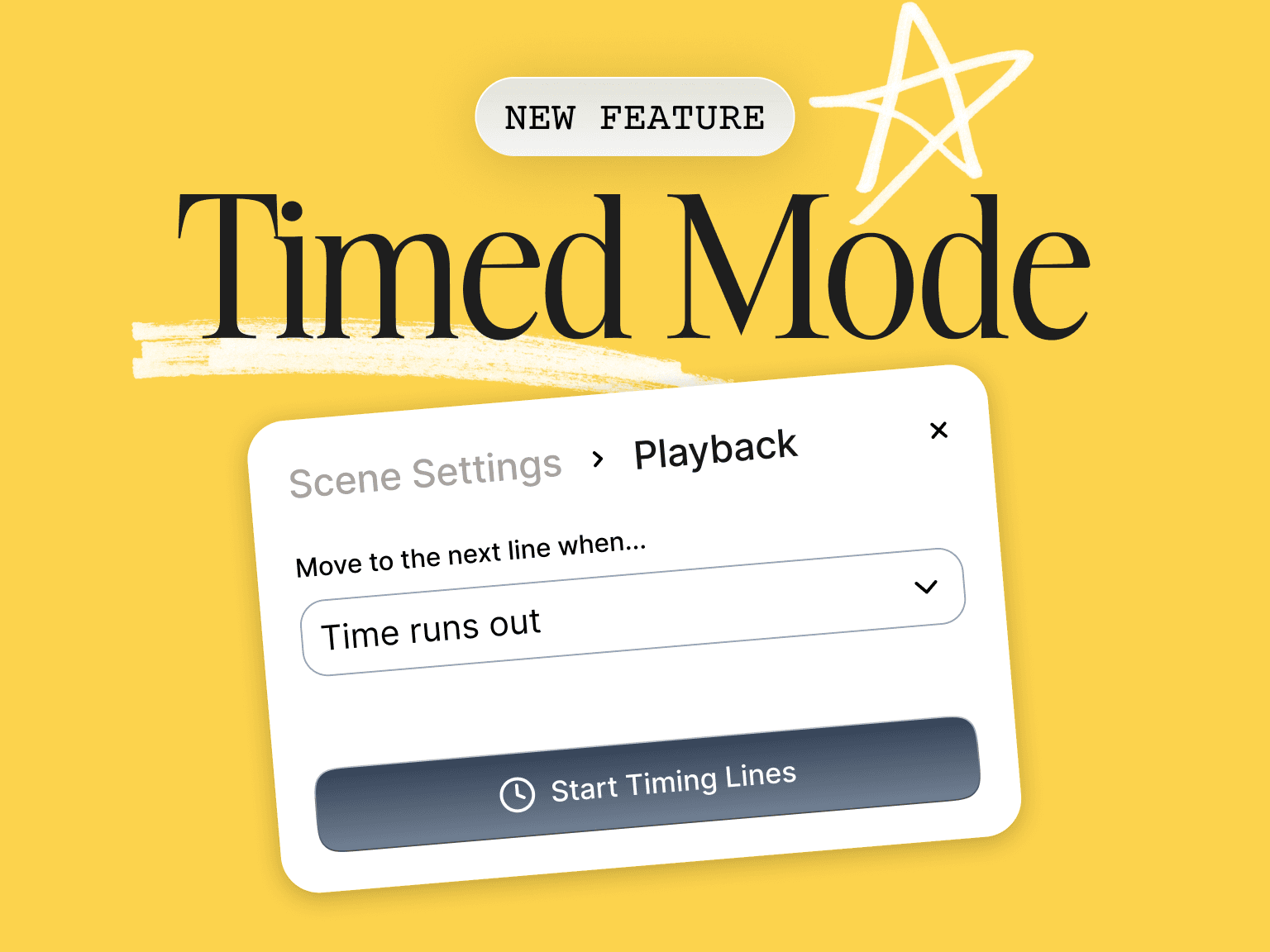
Introducing Timed Mode
You asked for more flexibility in timing lines. So welcome to Timed Mode. This feature is now available to help you run scenes with more control and record smoother self tape auditions.
You can set a custom duration for every line in your script so playback matches the pacing you want. When the timer runs out, the line ends and ScenePartner moves on automatically. This makes it easier to stay in the moment, keep your hands free, and focus on your performance.
How it works
Run your script once to configure timing. ScenePartner saves your timing for all future playthroughs. You can adjust any line at any time. If you add new lines, the app will prompt you to set timing for those as well.
How to activate it
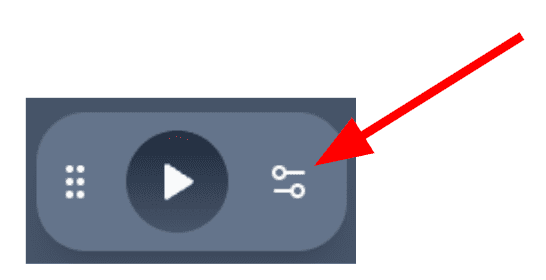
Open your script and turn on Timed Mode by opening the settings menu from the config button in the play bar:
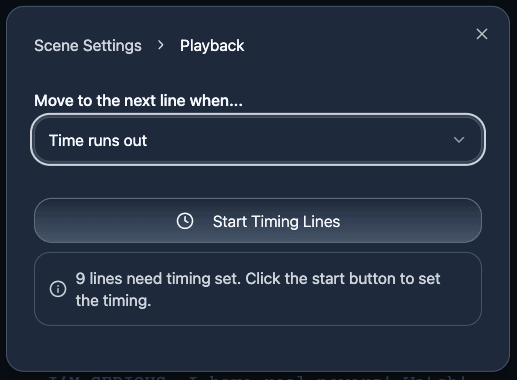
Click the “Start Timing Lines” button and run through a regular reading the script.
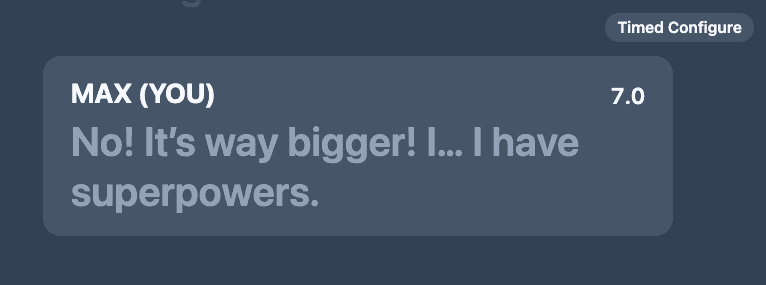
When you are setting timing, you will see a “Timed configure” label at the top. Perform the line, let the time run, then tap the Next Line button. ScenePartner saves it automatically.
You can adjust the timing of each line later on if needed.
What you will see during playback
Each line now displays a progress bar that shows how much time is left before the next cue. This makes it easier to stay on rhythm and maintain the pacing you practiced while learning lines.

Timed Mode gives actors a simple way to control the flow of a scene, learn lines with realistic pacing, and create cleaner self tape auditioning setups. If you film self tapes regularly or rehearse scenes with very specific timing, this feature is designed for you.