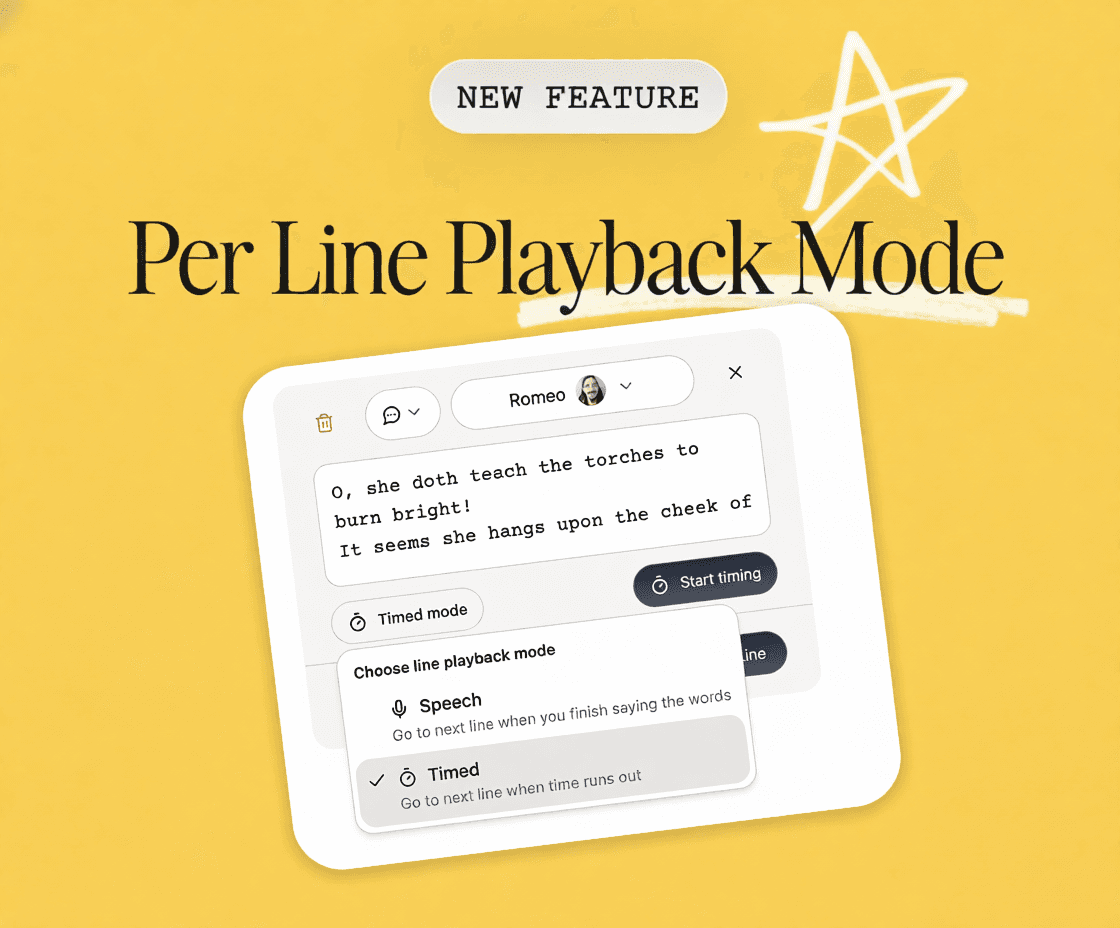
You can now set playback mode per line — not just for the whole script.
This one comes straight from real-world friction. You know the moment: you're mid-scene, totally in it, and then the reader either cuts you off on a long monologue or you really need to dial in the pacing for a specific line.
How it works
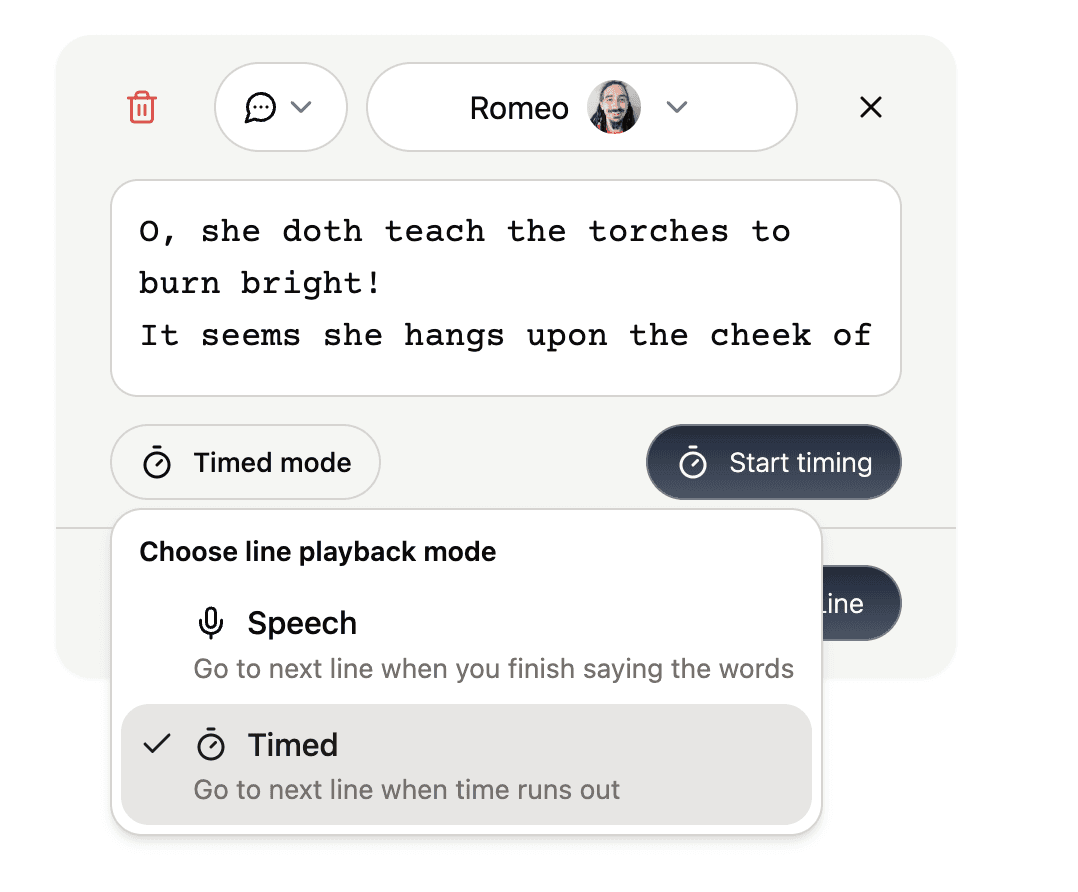
Tap any line in your script and select the playback mode that makes sense for it:
Speech (default) — moves to the next line when you finish saying your words. Best for most dialogue.
Timed — moves to the next line when a set duration runs out. A lifesaver for lines that are either very long or very short, where speech detection tends to get weird.
Your script-level playback mode still works the same way. Per line settings just let you override it wherever you need to.
How to access it
To set playback mode on a specific line:
Just tap the line and select Speech or Timed from the options.
To set playback mode at the script level:
Tap your script title
Tap the Playback tab
Change the playback mode
The update is live now. Go give that problem line the treatment it deserves.
Rooting for you,
The ScenePartner Team